



Fuel Management
Fuel Management
Catch Fuel Theft and Waste Before It Adds Up.
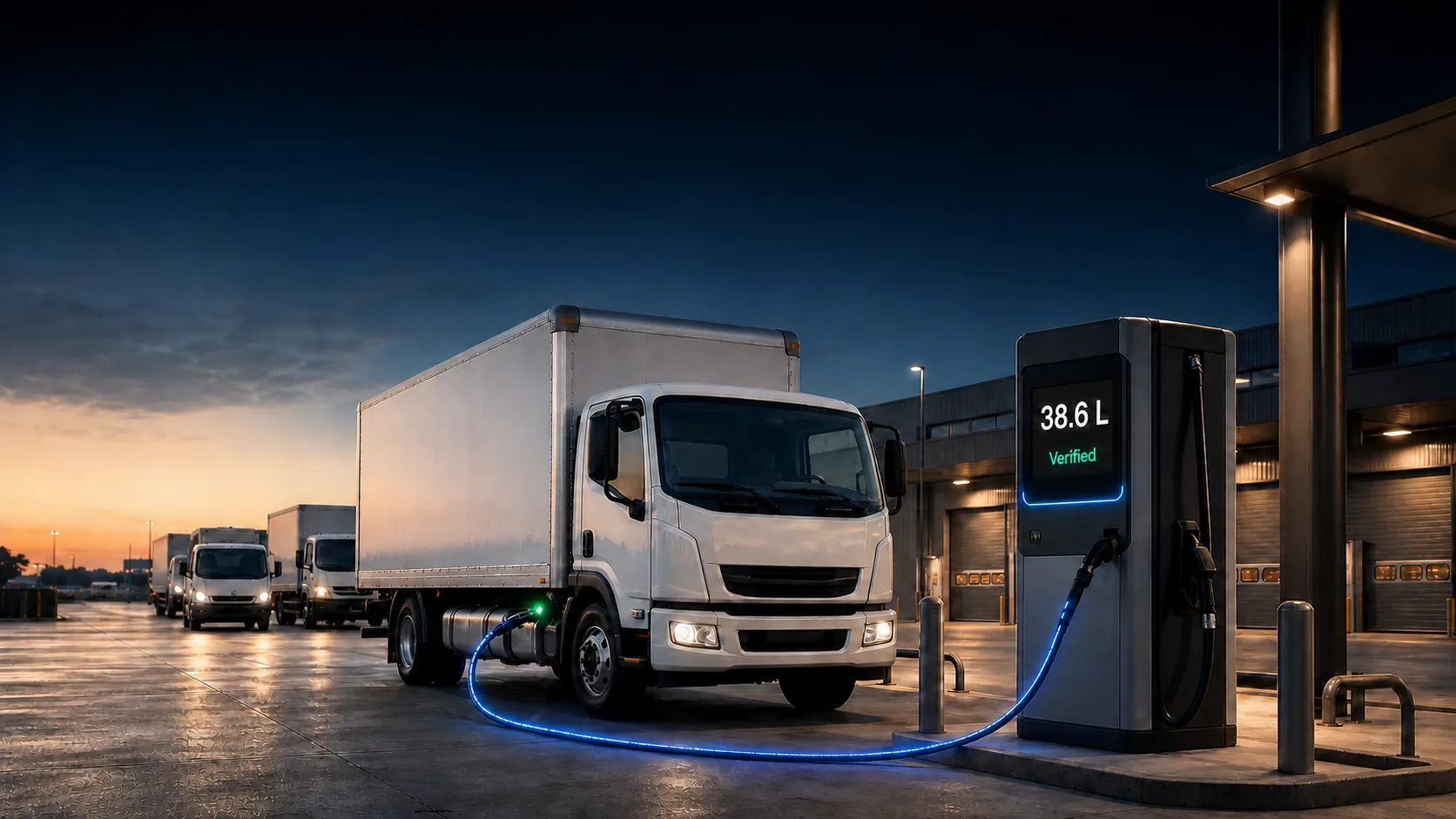
Autonautics fuel management reads consumption data directly from your vehicles, flags theft and waste as they happen, and turns fuel history into reports you can act on—so fuel spend stops being a guess.
Overview
What Is Fuel Management?
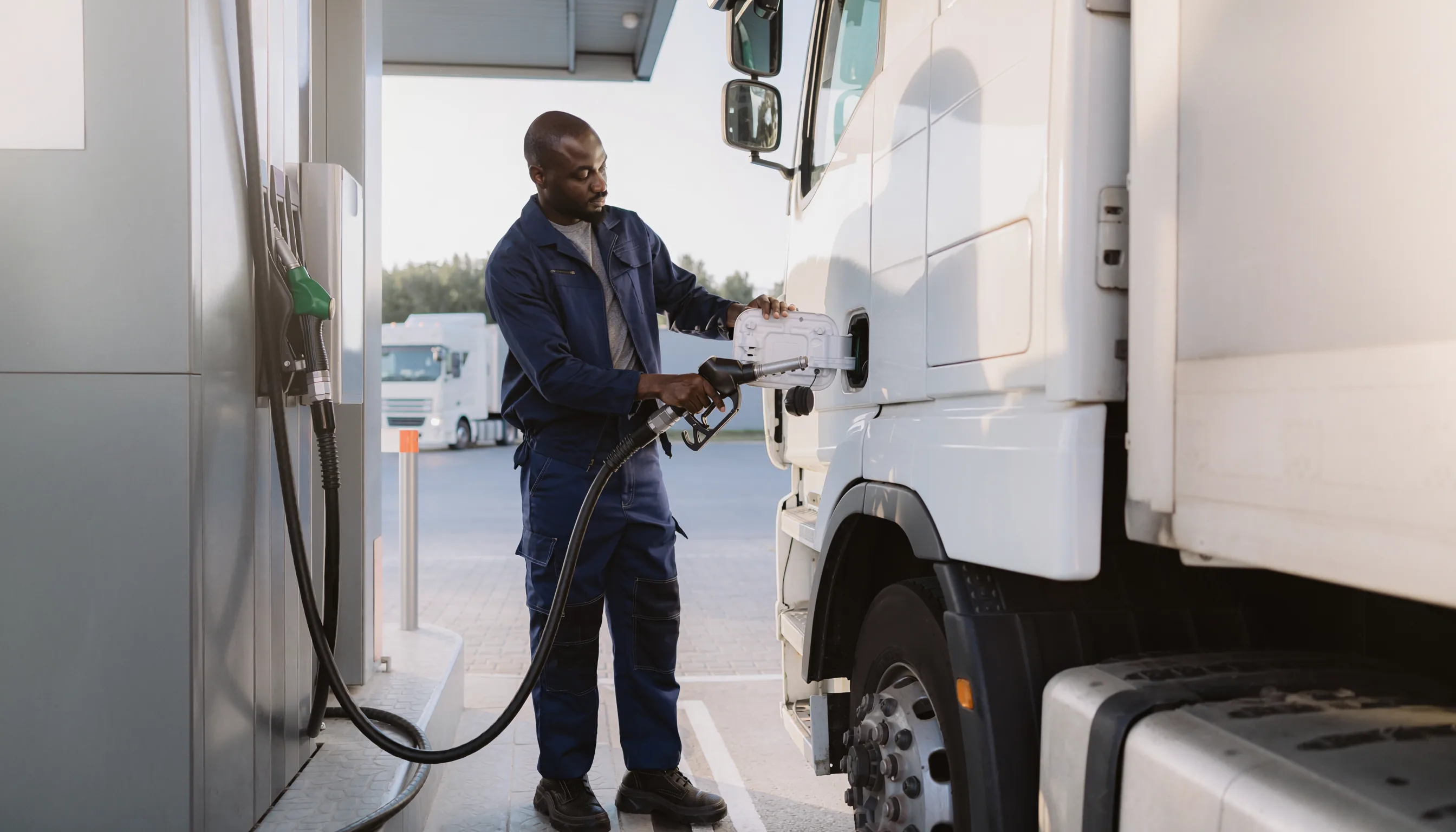
Fuel management is the use of connected devices and software to monitor how much fuel a vehicle uses, when it's refuelled, and whether fuel is disappearing somewhere it shouldn’t. Instead of reconciling fuel cards and odometer readings by hand, a connected device reports consumption automatically and the platform does the comparison for you.
For fleets, fuel is often the single largest controllable operating cost—which makes it one of the fastest places to find real savings once you can actually see where it's going.
How It Works
How Does Fuel Monitoring Work?
Connect to the Vehicle
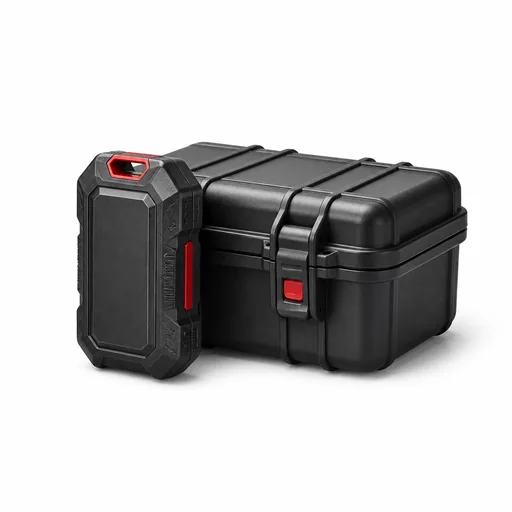
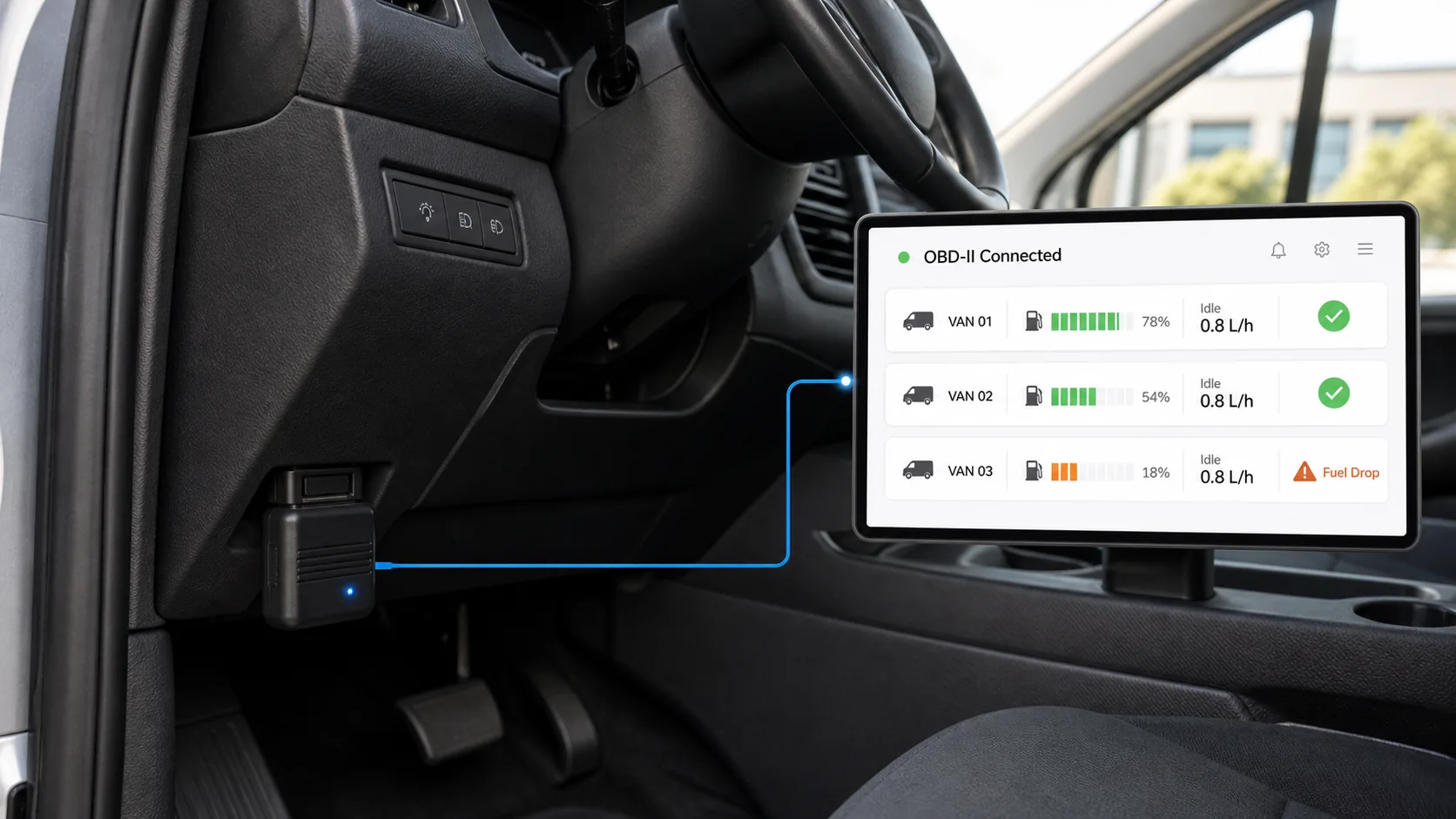
An OBD-II device plugs into the vehicle’s diagnostic port and reads fuel-consumption data straight from the engine’s CAN bus—no fuel-tank sensor required on most vehicles.
Compare Against the Pattern
Autonautics tracks each vehicle’s normal consumption and refuel pattern, so a drop that doesn’t match a logged refuel event stands out immediately.
Alert and Report
Sudden drops trigger an alert to the right person, while every litre is logged into reports you can filter, export, or automate.
Autonautics supports OBD and fuel-sensor hardware from Teltonika, Queclink, and Jimi, plus 20+ other device models—so fuel monitoring runs on the hardware you already have installed for tracking.
OBD Fuel Monitoring
Capture Fuel Data Directly from Your Vehicles.
Autonautics reads fuel-related data directly from compatible OBD-II devices, giving you a centralised view of consumption across the fleet without manual fuel-card reconciliation.
Dynamic Fuel Reports
Turn Fuel Data Into Actionable Reports.
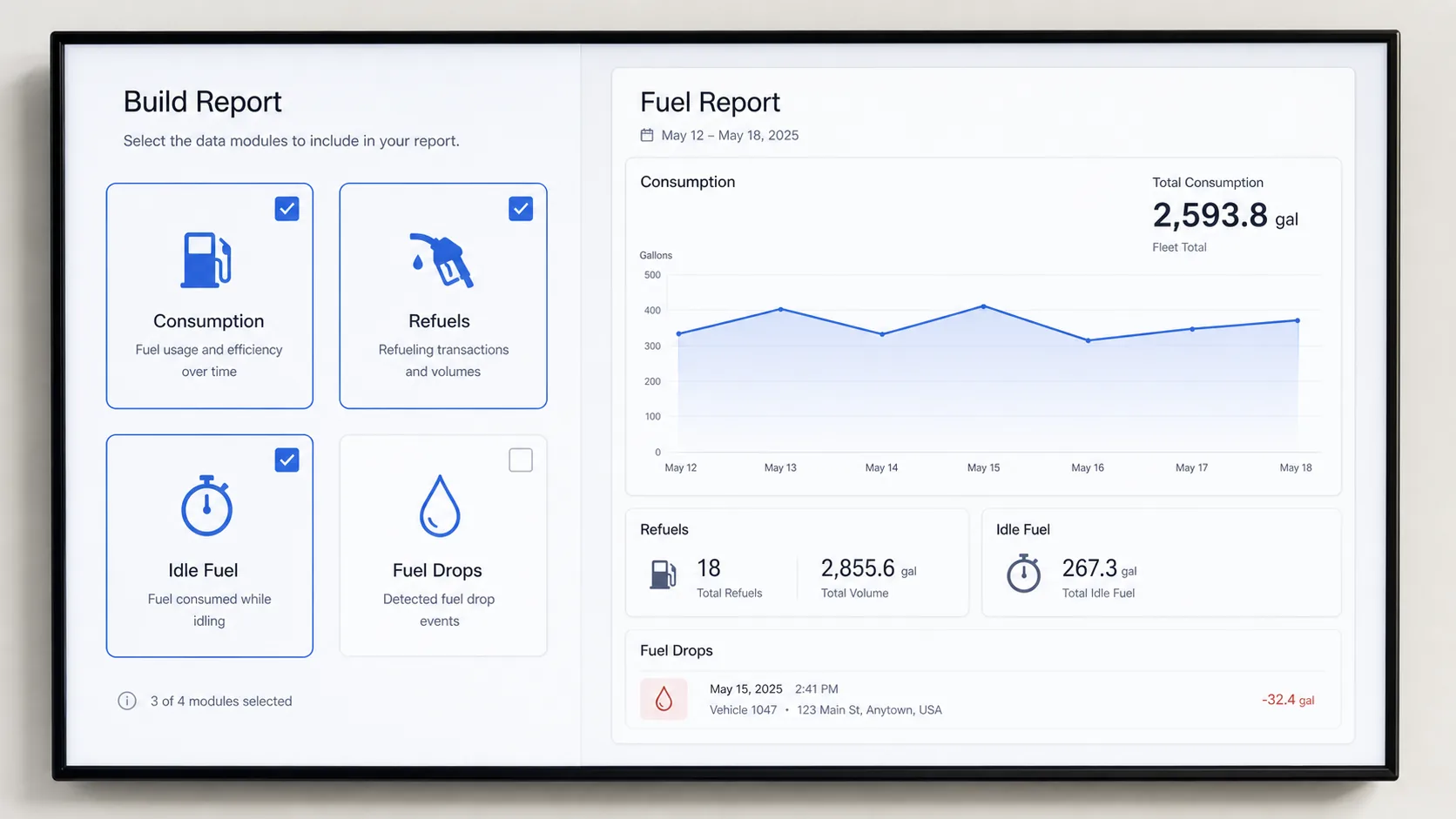
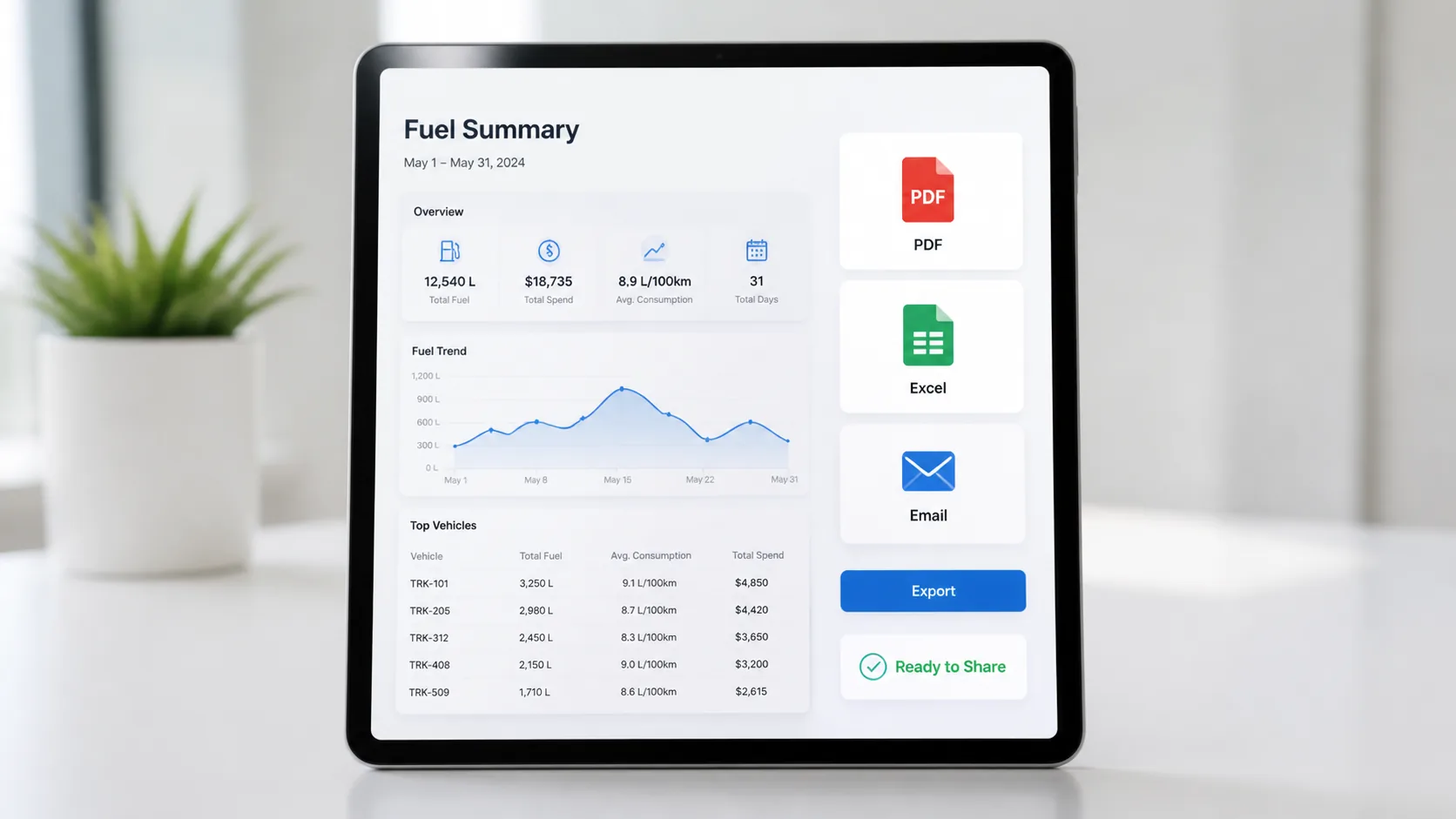
Access fuel data through dynamic reports built around your operation. Filter by vehicle, driver, or date range, and export or automate delivery to the right people.
Report Builder
Build fuel reports from 20+ templates or your own filters.
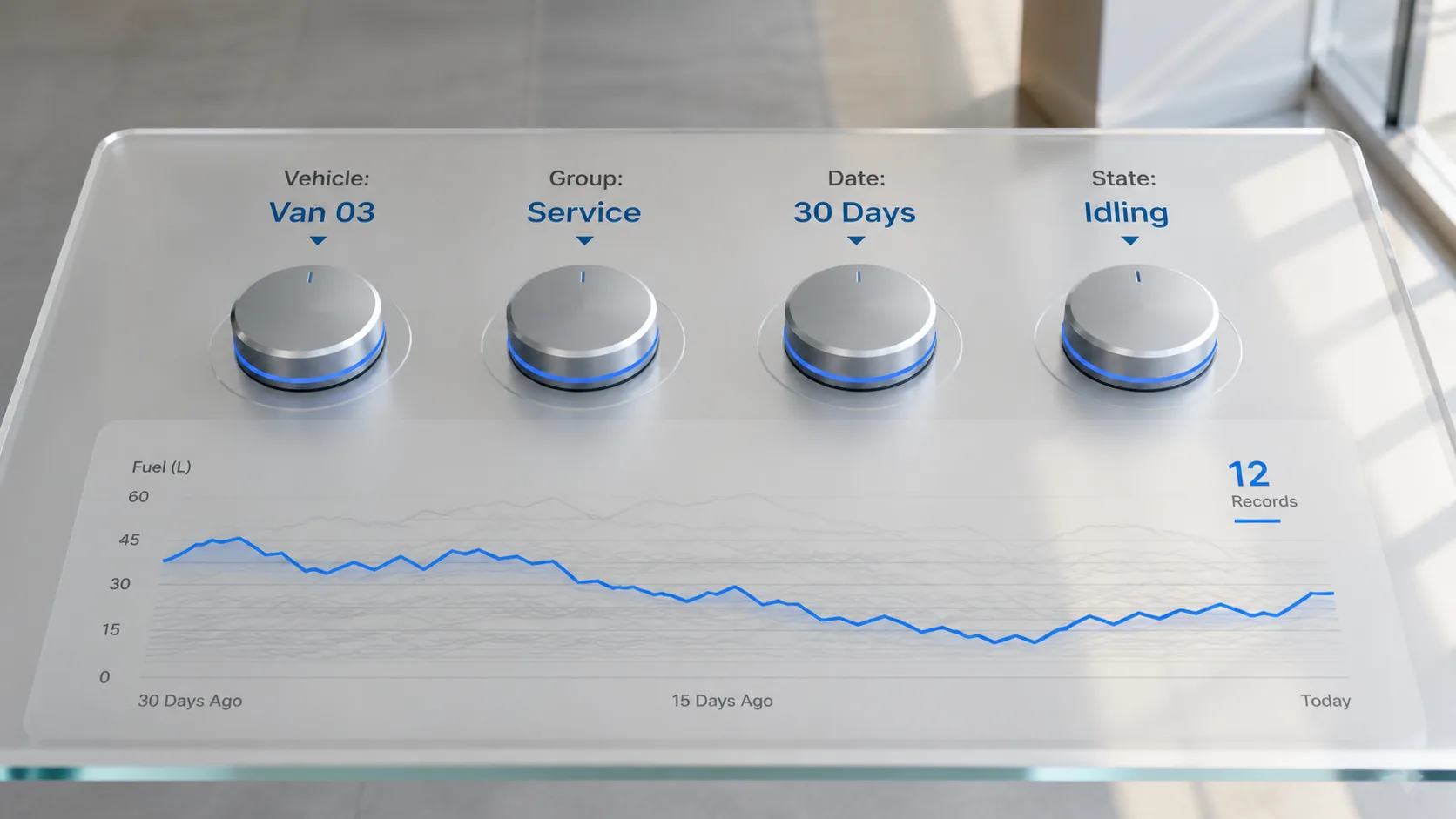
Advanced Filtering
Filter fuel data by vehicle, group, date range, and operational criteria.
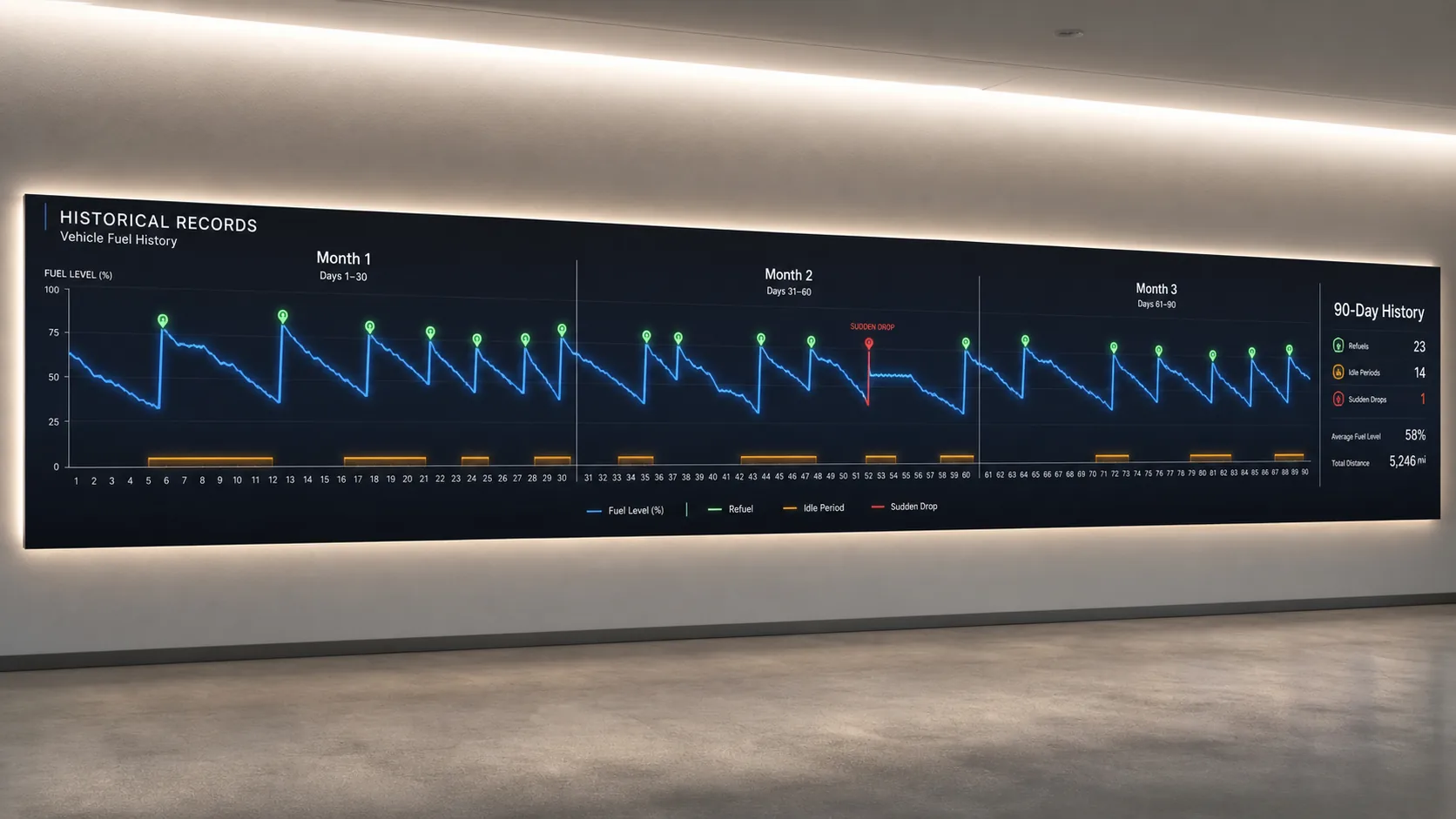
Historical Records
Review up to 90 days of fuel history to spot patterns.
Export & Sharing
Export fuel reports in multiple formats for analysis and collaboration.
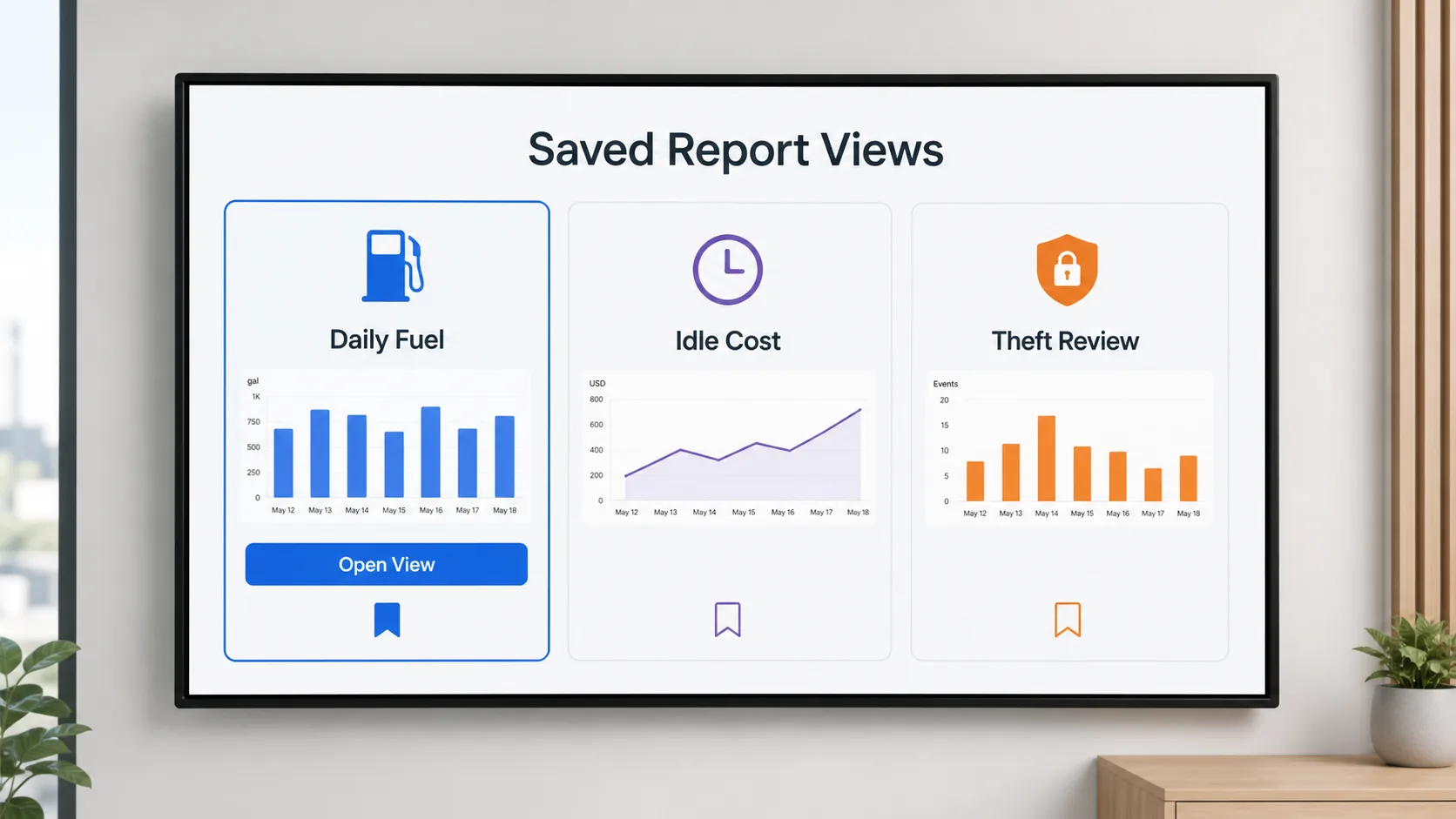
Saved Views
Save frequently used report configurations for quick and consistent access.
Fuel Visibility
Make Better Decisions with Greater Fuel Visibility.
See fuel data alongside the rest of your fleet operations, so consumption, idling, and routes tell one connected story instead of five separate reports.
Centralised Fuel Visibility
View fuel data across your whole fleet from one platform.
Vehicle Fuel Records
Access fuel data for any individual vehicle whenever needed.
Idle & Route Correlation
See how idling and route choice affect fuel spend per vehicle.
Historical Fuel Data
Review past fuel records to support audits and reviews.
Informed Decisions
Use fuel data to support day-to-day fleet management decisions.
Who Uses It
Who Uses Fuel Management?
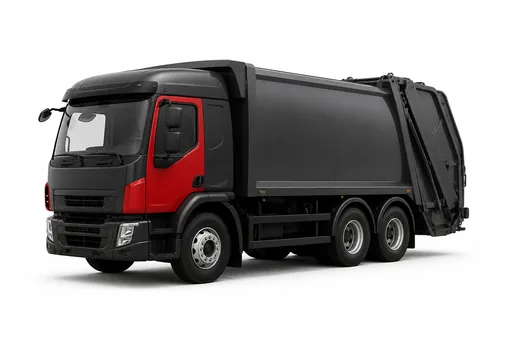
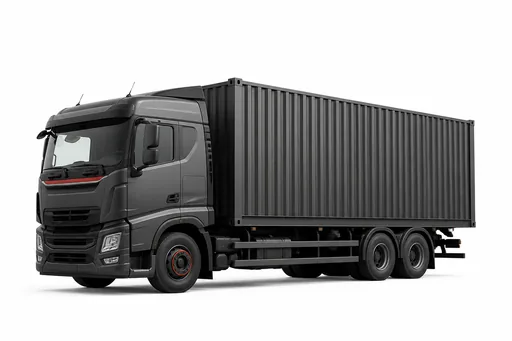
Any fleet where fuel is a major line item: logistics and transport operators running high-mileage routes, construction and mining fleets running heavy diesel equipment, waste and utility fleets with fixed routes, and any multi-vehicle operation that issues fuel cards and wants to know exactly where the fuel is going.
Available in Autonautics Products
Where You’ll Find Fuel Management
Monitor fuel consumption and control costs alongside tracking, drivers, and maintenance.
Keep delivery routes fuel-efficient alongside live ETAs and dispatch.
Connect fuel and sensor data alongside other connected equipment.
FAQ
Fuel Management FAQs
Get Started
See Where Your Fuel Is Going.
Book a 30-minute demo and we’ll show live fuel data, theft alerts, and reports using your vehicles.