




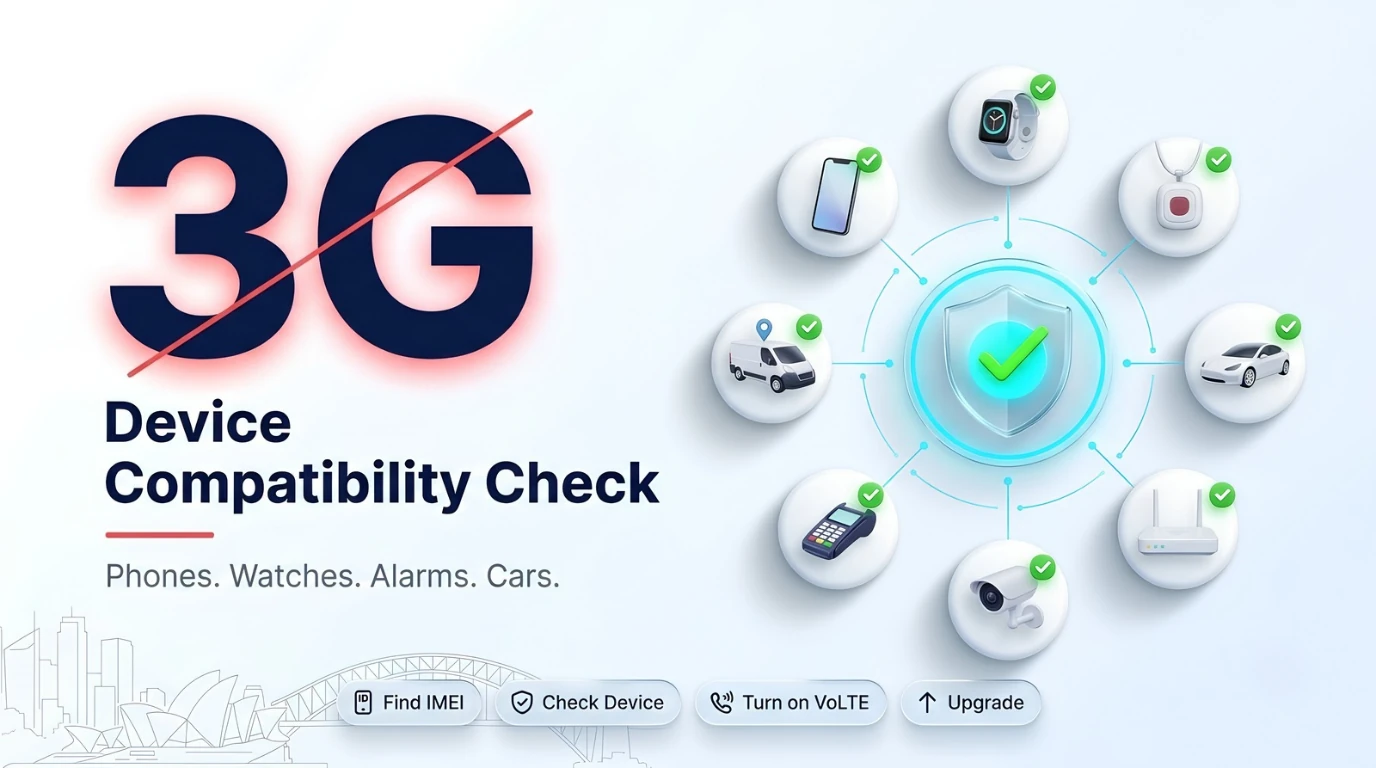
To work in Australia now that the 3G networks are switched off, a phone or connected device needs four things: 4G or 5G support, VoLTE (voice calls over 4G), the 700 MHz band (Band 28), and the ability to call Triple Zero (000) without 3G. You can check any phone in a few minutes using its IMEI number and the free Check my Device tool from the Australian Mobile Telecommunications Association (AMTA).
Australia's 3G shutdown is complete. TPG Telecom (Vodafone) closed its 3G network in January 2024, and Telstra and Optus began switching theirs off on 28 October 2024. Australia has no 2G network either, so there is nothing for older devices to fall back on. Carriers also continue to block phones that cannot call 000, so an older, second-hand, or imported phone can still be cut off today.
This guide shows Australian consumers how to check a phone, what the result means, how to check other devices such as smartwatches, medical alarms, and cars, and what to look for when buying a phone.
What this guide covers
- The four things every device needs after 3G
- How to check your phone in five minutes
- What your result means
- How to check other devices
- Buying a phone that works in Australia
- What to do if your phone is blocked
- FAQs
The Four Things Every Device Needs After 3G
A device that meets all four of these will keep working on Australian mobile networks. Missing any one can mean no calls, poor coverage, or no way to reach emergency services.
- 4G or 5G support: the device must be able to connect to a 4G or 5G network. 3G-only devices no longer work at all.
- VoLTE (Voice over LTE): lets the device make calls over 4G. Phones without VoLTE used 3G for calls, so they can no longer make or receive them.
- 700 MHz band (Band 28): a 4G frequency that carriers rely on for coverage, especially in regional areas and inside buildings. Many phones made for overseas markets do not support it.
- Emergency calls over 4G or 5G: some phones make normal calls over 4G but switch to 3G to call 000. Without 3G, these phones may not reach emergency services, which is why carriers block them.
How to Check Your Phone in Five Minutes
- Find your IMEI number. Dial *#06# and the phone shows its 15-digit IMEI. You can also find it under Settings → About, or on the original box.
- Use AMTA's Check my Device tool. Enter the IMEI on AMTA's 3G closure website. It tells you whether the phone is compatible with Australian networks after 3G. No personal details are needed.
- Check that VoLTE is on. On an iPhone, go to Settings → Mobile → Mobile Data Options → Voice & Data, and make sure 4G or 5G is selected with VoLTE turned on. On Android, look under Settings → Connections or Network → Mobile networks for "VoLTE calls" or "4G calling" and turn it on.
- Check with your provider. Telstra, Optus, and TPG Telecom brands can confirm whether your phone works on their network and whether it is on a blocked list.
- Do not call 000 to test. Test calls tie up emergency lines. Use the online checker or ask your provider instead.
What Your Result Means
- Compatible: the phone supports 4G calling and emergency calls on Australian networks. Keep VoLTE switched on and install software updates when they arrive.
- Not compatible: the phone needs replacing. It may stop making calls or reaching 000, and your provider may block it.
- Notified by your provider: under emergency call rules from the Australian Communications and Media Authority (ACMA), carriers must block phones that cannot call 000. When a phone is newly found to be affected, the customer is notified and the phone is blocked if it is not replaced, usually after 28 days.
How to Check Other Devices
Any device with a SIM card can be affected, not just phones. For each one, check the label or manual for the networks it supports. If it lists only 3G, UMTS, WCDMA, or HSPA, it needs replacing. If you are not sure, contact the company named below.
- Smartwatches and tablets with a SIM: check the model with the IMEI checker or your provider. Older cellular models may still work on Wi-Fi but lose their mobile connection.
- Mobile broadband, modems, and routers: look for 4G or LTE on the label. Older dongles and pocket Wi-Fi devices are common problem devices. Contact your internet provider.
- Personal medical alarms and fall detectors: contact the alarm provider and ask whether the device uses 4G. After any replacement, ask the provider how to run a safe test.
- Home security systems and alarm diallers: ask your security company whether the system sends alerts over 3G and needs a 4G module.
- Cars with built-in connectivity: some vehicles used 3G for remote apps, connected services, and live navigation. Several carmakers, including Audi, warned that 3G-dependent connected services would stop. Contact the dealer or carmaker.
- Dashcams and GPS trackers: check the product specification for 4G LTE or LTE-M support, and contact the supplier if trips or alerts have stopped.
- EFTPOS and card payment terminals: contact your bank or payment provider for a 4G terminal.
- Gate openers, lift phones, smart meters, and farm sensors: contact the installer, building manager, or equipment supplier.
Buying a Phone That Works in Australia
Most new phones sold by Australian retailers meet every requirement, but older, refurbished, and imported phones are where problems still appear. Before you buy, check:
- It is an Australian model from a reputable Australian retailer, not a grey-import device made for another market.
- It supports the 700 MHz band (Band 28) and other Australian 4G and 5G bands.
- It supports VoLTE calls on your network.
- It can call 000 over 4G or 5G.
- The IMEI passes the Check my Device tool. For a second-hand phone, ask the seller for the IMEI and check it before you pay.
- You keep the receipt. Under the Australian Consumer Law, a phone sold in Australia must be fit for its purpose, so a phone that cannot work on Australian networks may entitle you to a repair, replacement, or refund.
What to Do If Your Phone Is Blocked or Not Compatible
- Do not ignore the message. A notice from your provider means the phone will lose service, and it may be your only warning.
- Back up your contacts and photos before you change phones.
- Ask your provider for options. Providers can recommend compatible phones, including low-cost models, and may offer support if you are in financial hardship.
- Move your SIM to the new phone and check that VoLTE is turned on.
- Recycle the old phone through MobileMuster, Australia's free mobile phone recycling programme.
- Watch out for scams. Use only official contact details for your provider, and never share passwords or bank details with someone who contacts you about the 3G shutdown.
Helping Older Family Members
Older Australians are the most likely to still use a 3G-era phone or medical alarm. Check their phone with the IMEI tool, ask their alarm provider to confirm the device uses 4G, and help set up any replacement so they are comfortable using it.
What Australian Businesses Should Check
Small businesses often have 3G devices nobody looks at every day: EFTPOS terminals, security alarms, vehicle trackers, dashcams, and remote sensors. List every device with a SIM, check each one's network support, and replace safety, security, and payment devices first. For vehicle trackers, choose 4G LTE or LTE-M devices that support Band 28 and store data when there is no signal.
Anstel, headquartered in Sydney, supplies 4G tracking devices for Australian vehicles, including a plug-in OBD-II 4G tracker that installs in minutes and wired 4G trackers for vans, trucks, and buses. They all connect to the Autonautics platform for live tracking, alerts, trip history, and driver behaviour data, so businesses can replace old 3G trackers without losing visibility of their fleet.
Frequently Asked Questions
Will my phone still work now that 3G is switched off in Australia?
Your phone will work if it supports 4G or 5G, VoLTE calling, the 700 MHz band (Band 28), and emergency calls to 000 over 4G or 5G. Phones that are 3G-only, or that rely on 3G for voice or emergency calls, will not work properly and may be blocked by your provider.
How do I check if my phone is compatible?
Dial *#06# to find your phone's IMEI number, then enter it in AMTA's Check my Device tool on its 3G closure website. You can also ask your mobile provider, and check that VoLTE or 4G calling is turned on in your phone's mobile network settings.
What is Band 28, and why does it matter?
Band 28 is the 700 MHz 4G frequency used by Australian carriers. Its signals travel further and pass through walls better than higher frequencies, so it is important for coverage in regional areas and inside buildings. Phones without Band 28 can have weak or no coverage in many places.
Why was my phone blocked if it works on 4G?
Some 4G phones make normal calls over 4G but rely on 3G to call Triple Zero. Under rules from the Australian Communications and Media Authority, carriers must block phones that can no longer reach 000, so owners replace them before an emergency.
Can I use a phone bought overseas in Australia?
Possibly, but check carefully. Phones made for other markets may lack Band 28, VoLTE on Australian networks, or emergency calling over 4G. Enter the IMEI in the Check my Device tool before relying on the phone, and buy from a reputable Australian retailer where possible.
Do I need a 5G phone?
No. A 4G phone that supports VoLTE, Band 28, and 4G emergency calling works well on Australian networks. A 5G phone gives faster speeds where 5G is available and a longer life as networks evolve, but it is not required.
Check Once, Stay Connected
Checking a phone takes a few minutes with its IMEI number, and checking the other devices in your home or business takes little longer. Replacing anything that still relies on 3G means you will not lose calls, alarms, payments, or vehicle tracking when you need them most.
Get in touch with the Anstel team for help replacing 3G vehicle trackers with 4G devices built for Australian networks.