




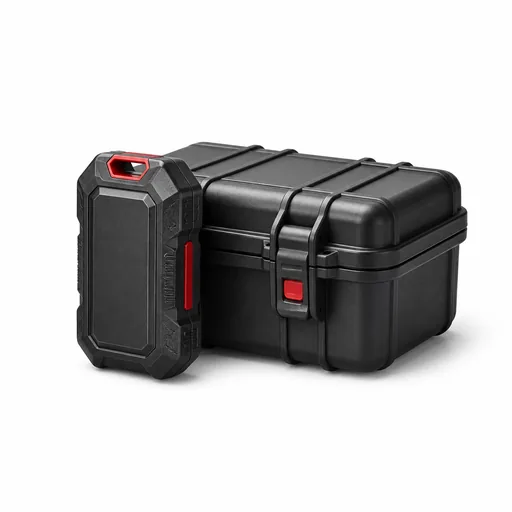
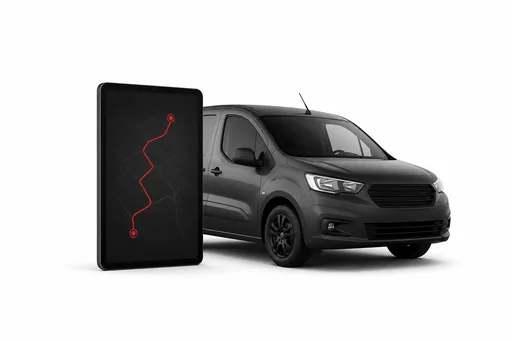
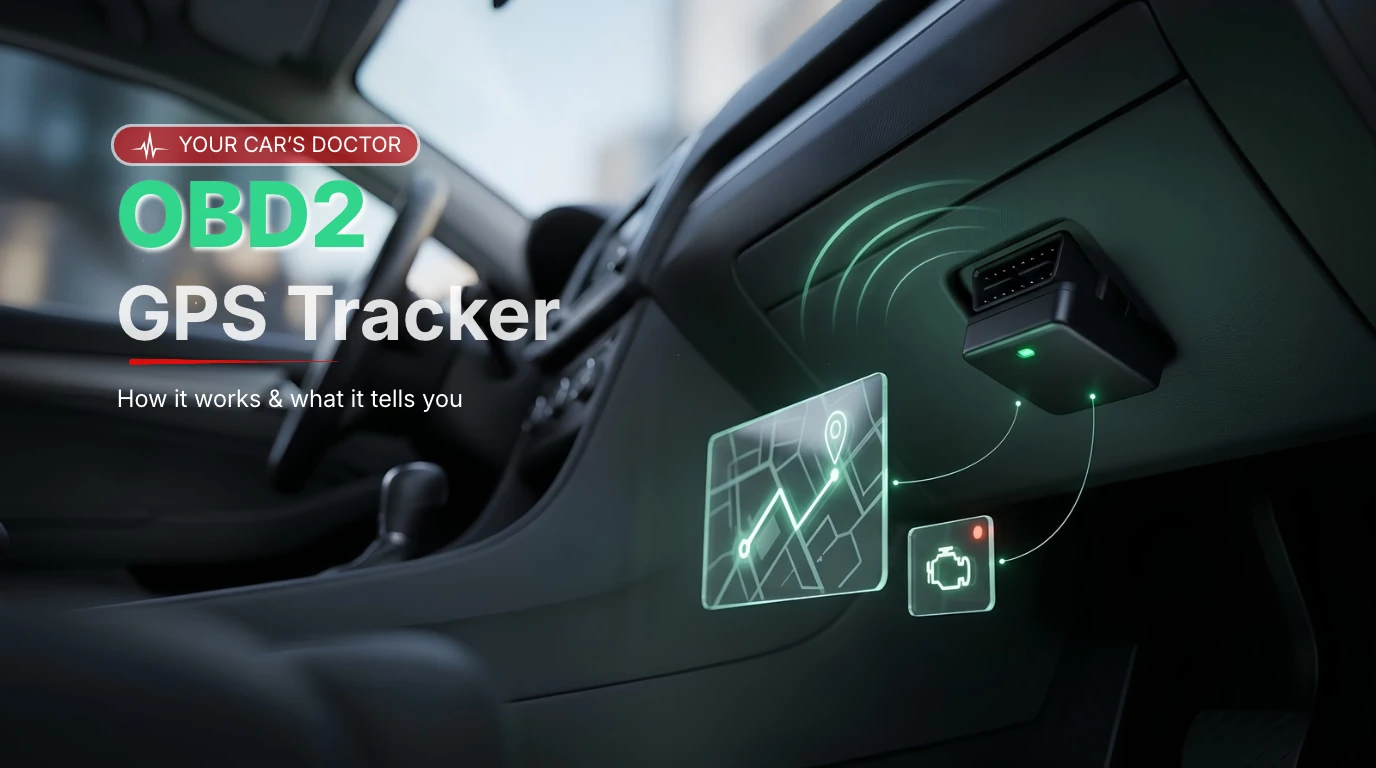
An OBD2 GPS tracker is a small device that plugs into a vehicle's OBD2 diagnostic port, usually under the dashboard near the steering wheel. It takes power from the port, tracks the vehicle's location by GPS, and reads data from the vehicle's computer, such as engine fault codes, battery voltage, and speed, then sends it over the mobile network to an app or fleet dashboard. It works like a car doctor that checks the vehicle's health on every trip.
OBD2 trackers are the quickest way to connect cars, vans, and light trucks: there is no wiring, and the device can be moved to another vehicle in seconds. This guide explains what OBD2 is, what an OBD2 tracker can tell you, how diagnostic trouble codes work, how it improves safety and security, how it compares with hardwired trackers, and how to choose one.
What this guide covers
- What OBD2 is
- How an OBD2 GPS tracker works
- What an OBD2 tracker can tell you
- Diagnostic trouble codes explained
- OBD2 vs hardwired trackers
- How to choose an OBD2 tracker
- FAQs
What Is OBD2?
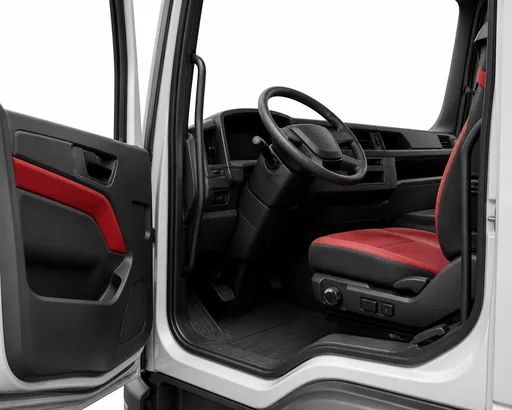
OBD2, also written OBD-II, stands for on-board diagnostics, second generation. It is a standard system that monitors a vehicle's engine, emissions, and other key systems, records faults as diagnostic trouble codes, and lights the check engine warning when something is wrong. Mechanics read this information through a 16-pin port, usually under the dashboard on the driver's side.
OBD2 was first required on new cars and light trucks in the United States from 1996, and Europe introduced its equivalent, EOBD, for petrol cars from 2001 and diesel cars from 2004. In India, stricter on-board diagnostic (OBD stage II) norms came into force with BS-VI phase 2 in April 2023. Most cars, SUVs, and vans on the road today have an OBD2 port. Heavy trucks and buses often use a different standard, J1939, with a different connector, so they usually need an adapter or a hardwired tracker.
How an OBD2 GPS Tracker Works
- Plug in: the device plugs into the OBD2 port and takes power from the vehicle. No tools or wiring are needed.
- Collect: a GPS receiver tracks location, a motion sensor detects harsh braking, acceleration, and impacts, and the device reads data from the vehicle's computer.
- Send: a built-in SIM sends the data over the mobile network, storing it if coverage drops and sending it later.
- Act: the app or fleet dashboard shows live location, trips, alerts, and vehicle health, and sends notifications to your phone.
What an OBD2 Tracker Can Tell You
- Location and trips: live position, routes, stops, kilometres driven, and trip history.
- Engine fault codes: the diagnostic trouble codes behind a check engine light, as soon as they appear.
- Vehicle health: battery voltage, engine temperature, engine speed, and, on many vehicles, fuel level and odometer readings.
- Driving behaviour: speeding, harsh braking, rapid acceleration, sharp turns, and idling.
- Security events: the device being unplugged, the vehicle moving with the ignition off, or a possible tow.
Exactly which vehicle data is available depends on the make, model, and year, because manufacturers share different information through the port.
Diagnostic Trouble Codes Explained
When the vehicle's computer finds a problem, it stores a five-character diagnostic trouble code (DTC), such as P0301. Each character tells you something:
- First character, the system: P for powertrain (engine and transmission), B for body, C for chassis, and U for network communication.
- Second character, the code type: 0 for a generic code that means the same on every vehicle, or 1 for a manufacturer-specific code.
- Third character, the sub-system: for powertrain codes, for example, 1 and 2 relate to fuel and air metering, 3 to ignition and misfires, and 7 to the transmission.
- Fourth and fifth characters, the exact fault: a number that identifies the specific problem.
So P0301 is a generic powertrain code in the ignition sub-system, and it means a misfire was detected in cylinder 1. An OBD2 tracker sends codes like this to you as soon as they appear, so you can book a repair before a small fault becomes an expensive one.
Benefits of an OBD2 Tracker
Catch Problems Early and Cut Repair Costs
Instant fault code alerts and battery warnings help you fix problems early, and service reminders based on real kilometres keep maintenance on schedule. Knowing the fault code before the vehicle reaches the workshop also helps avoid unnecessary work.
Safer Driving
Alerts and reports on speeding, harsh braking, and rapid acceleration help fleets coach drivers, and help families keep an eye on new or young drivers. Safer driving also means less wear on brakes, tyres, and engines.
Security and Theft Alerts
You're alerted if the device is unplugged, if the vehicle moves when it shouldn't, or if it seems to be towed. Live tracking helps recover a stolen vehicle quickly. Some OBD2 trackers can also connect to wireless sensors, such as door or temperature sensors.
OBD2 vs Hardwired GPS Trackers
An OBD2 tracker is the right choice when you want a quick, low-cost setup, need to move devices between vehicles, or want engine data from cars and vans. Installation takes minutes, and the device can go with you when a vehicle is replaced.
A hardwired tracker is connected to the vehicle's power by a technician and hidden behind the dashboard. It is the better choice when security matters most, because it is much harder to find and remove, and for heavy trucks, buses, and machinery without an OBD2 port. Hardwired trackers can also connect to extra inputs, such as panic buttons, door sensors, or fuel sensors.
Many fleets use both: OBD2 trackers in cars and light vans, and hardwired trackers in heavy vehicles and high-value assets.
How to Choose an OBD2 Tracker
- Check compatibility: make sure the device reads the data you need from your vehicle makes and models.
- Check the network: choose a device built for current 4G or LTE-M networks, not networks that are being switched off.
- Look for security features: unplug alerts, tow and movement alerts, and data storage when coverage drops.
- Check battery protection: a good device sleeps when the vehicle is parked to avoid draining the battery.
- Look at the software: the app or dashboard matters as much as the device, so check alerts, reports, and maintenance features.
- Plan for tampering: if drivers might unplug the device, use an extension cable to hide it, or choose a hardwired tracker.
How Anstel Helps
Anstel's OBD2 trackers plug in and start working straight away, sending location, trips, driving behaviour, fault codes, and security alerts to the Autonautics platform. Alerts reach you on your phone, and the same dashboard covers hardwired trackers, cameras, and sensors, so cars, vans, and heavy vehicles can all be managed in one place.
Frequently Asked Questions
What is an OBD2 GPS tracker?
An OBD2 GPS tracker is a device that plugs into a vehicle's OBD2 diagnostic port. It tracks location by GPS, reads data such as fault codes and battery voltage from the vehicle, and sends it over the mobile network to an app or fleet dashboard.
Where is the OBD2 port?
In most cars and vans, the OBD2 port is under the dashboard on the driver's side, near the steering column. Its exact position varies by make and model.
Can an OBD2 tracker read engine fault codes?
Yes. OBD2 trackers can read diagnostic trouble codes from the vehicle's computer and send them as alerts, so you know about a problem as soon as the check engine light comes on.
Does an OBD2 tracker drain the car battery?
A good OBD2 tracker uses very little power and goes into sleep mode when the vehicle is parked. Vehicles left unused for long periods, or with weak batteries, may still need a check.
Is an OBD2 tracker better than a hardwired tracker?
It depends on the job. OBD2 trackers are faster to install and easy to move between vehicles, while hardwired trackers are harder to remove and suit heavy vehicles and high-security uses.
Do trucks have an OBD2 port?
Light trucks and vans usually do. Many heavy trucks and buses use the J1939 standard with a different connector, so they need an adapter or a hardwired tracker.
Know What Your Vehicle Is Telling You
An OBD2 tracker turns the diagnostic port into a live link to your vehicle's health, location, and driving. It is one of the simplest ways to cut repair costs, improve safety, and protect your vehicles.
Get in touch with the Anstel team to find the right tracker for your vehicles.